Project Metadata
Project Type
Browser-based scientific calculator
Domain
Education / Utilities / Scientific Computing
Architecture
Client-side application with localStorage persistence
UI Focus
Formula-style input with dark theme and responsive layout
Key Features
Editable math input, history tracking, undo/redo, degree/radian modes
Scientific Calculator
Web Application
About This Project
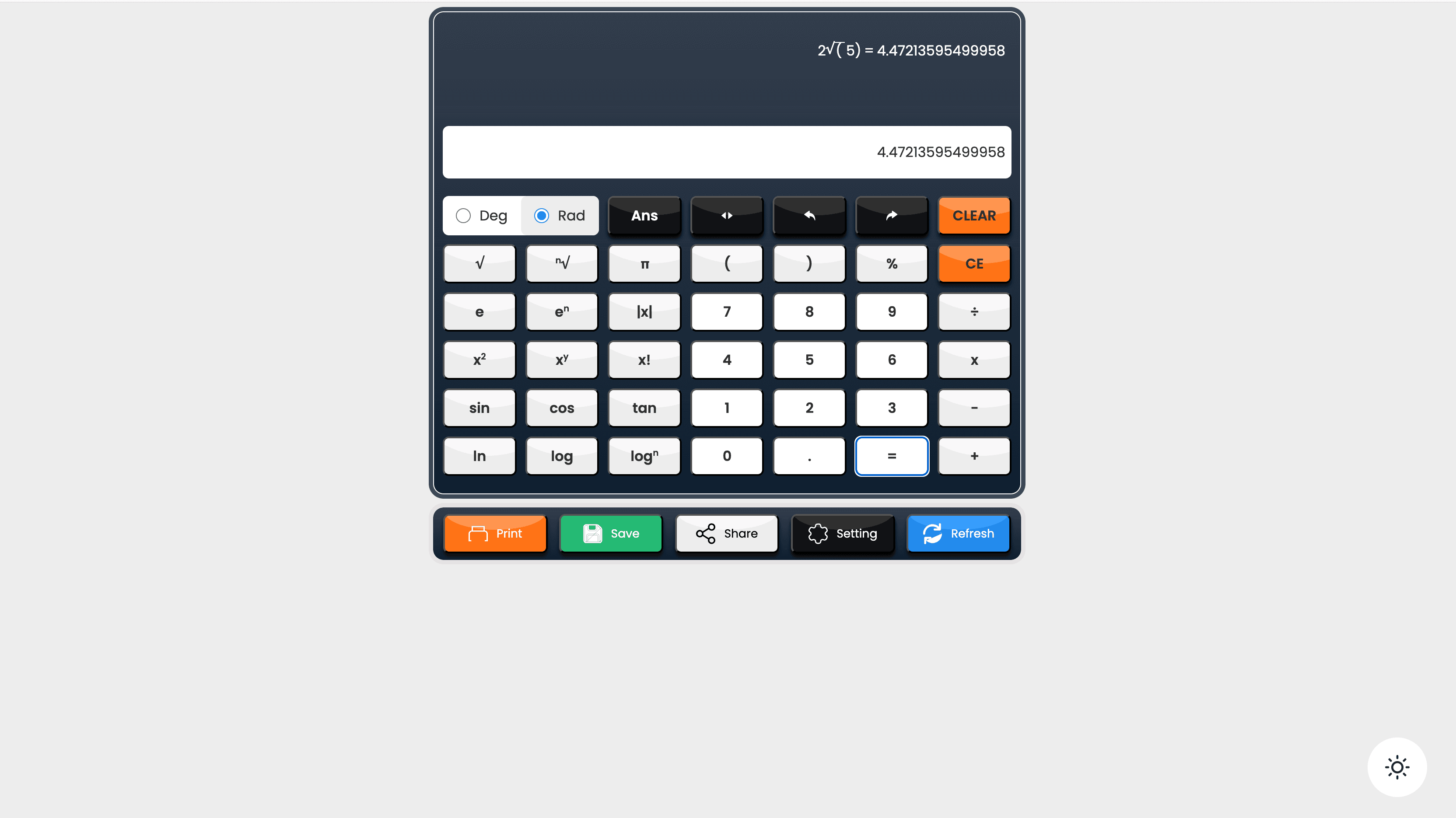
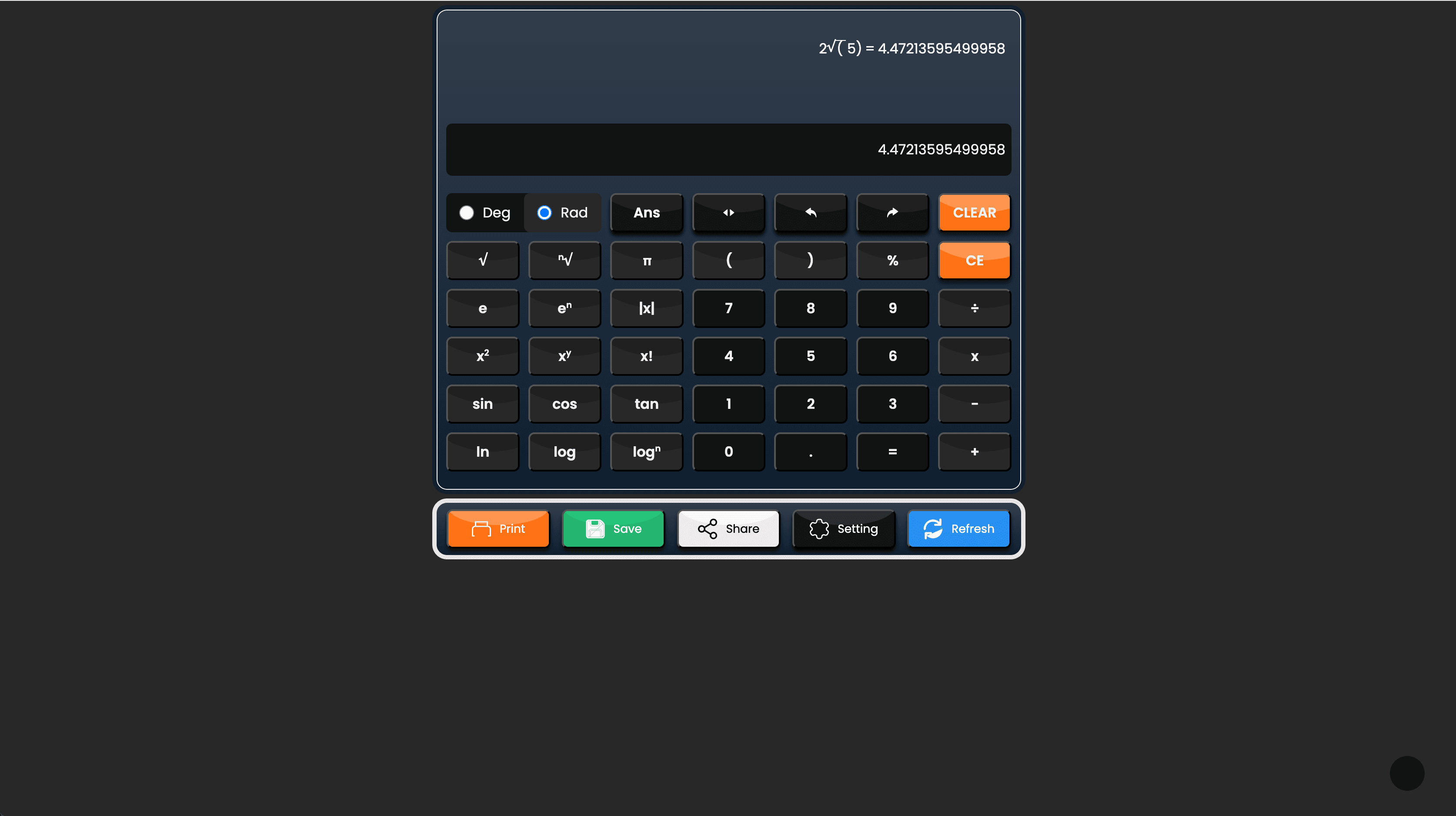
The Scientific Calculator is a feature-rich browser application built with HTML, CSS, and JavaScript that delivers a professional-grade calculation experience. It leverages MathQuill for an intuitive editable math input area and Math.js for reliable expression evaluation, enabling users to type formulas naturally rather than clicking buttons. The calculator supports extensive scientific operations including trigonometric, logarithmic, exponential, power, factorial, percentage, and root functions. Users can switch between degree and radian modes for trigonometric calculations, manage input changes with undo/redo controls, and review past calculations through a persistent history panel. The application features a sleek dark calculator theme with a light/dark page mode toggle, ensuring comfortable use in any environment, and includes responsive design for seamless use across all screen sizes.
Highlighted Features
- Editable math input area powered by MathQuill for formula-style typing experience
- Comprehensive scientific keypad with trigonometric (sin, cos, tan) and inverse functions
- Logarithmic functions (log, ln) and exponential operations (e^x, power, root)
- Advanced operations: factorial, percentage calculations, and multi-root support
- Degree and radian mode switching for accurate trigonometric calculations
- Undo and redo controls for easy input correction and quick editing
- Calculation history saved in localStorage with persistent display in history panel
- Clear and backspace-style input controls for efficient editing workflows
- Light/dark theme toggle for comfortable use in any lighting condition
- Fully responsive layout that adapts seamlessly to smaller screens and mobile devices
- Real-time expression evaluation using Math.js for accurate results
Tech Stack
Frontend
- • HTML5
- • CSS3
- • JavaScript (Vanilla)
Math & Input
- • MathQuill (editable math input)
- • Math.js (expression evaluation)
Utilities & Libraries
- • jQuery
- • localStorage API
Features
- • History persistence
- • Undo/redo state management
- • Console logging
Impact
- Delivered a practical scientific calculator that prioritizes formula-based input over button-only interaction
- Improved usability through persistent calculation history, undo/redo functionality, and quick-edit controls
- Added mode-aware trigonometric handling to support both degree and radian workflows accurately
- Persisted recent calculations locally using localStorage so users can review past results without server dependency
- Created a polished, theme-switchable UI with responsive behavior for everyday use across all devices
Project Gallery
Project Hook Variants
- Feature-rich scientific calculator with editable math input and formula-style typing
- Browser-based utility combining MathQuill's formula editor with Math.js evaluation engine
- Practical calculator app with history tracking, theme switching, and mode-aware trigonometry
Interested in working together? Let's discuss your project.
Get in Touch